How it works

Booking a doctor, without the guessing

DocZen exists to remove the anxiety around seeing a doctor in India, not to list more names than the next site. Three steps, each one honest about what it actually gives you.

Find a doctor
Running a clinic? See the setup steps.

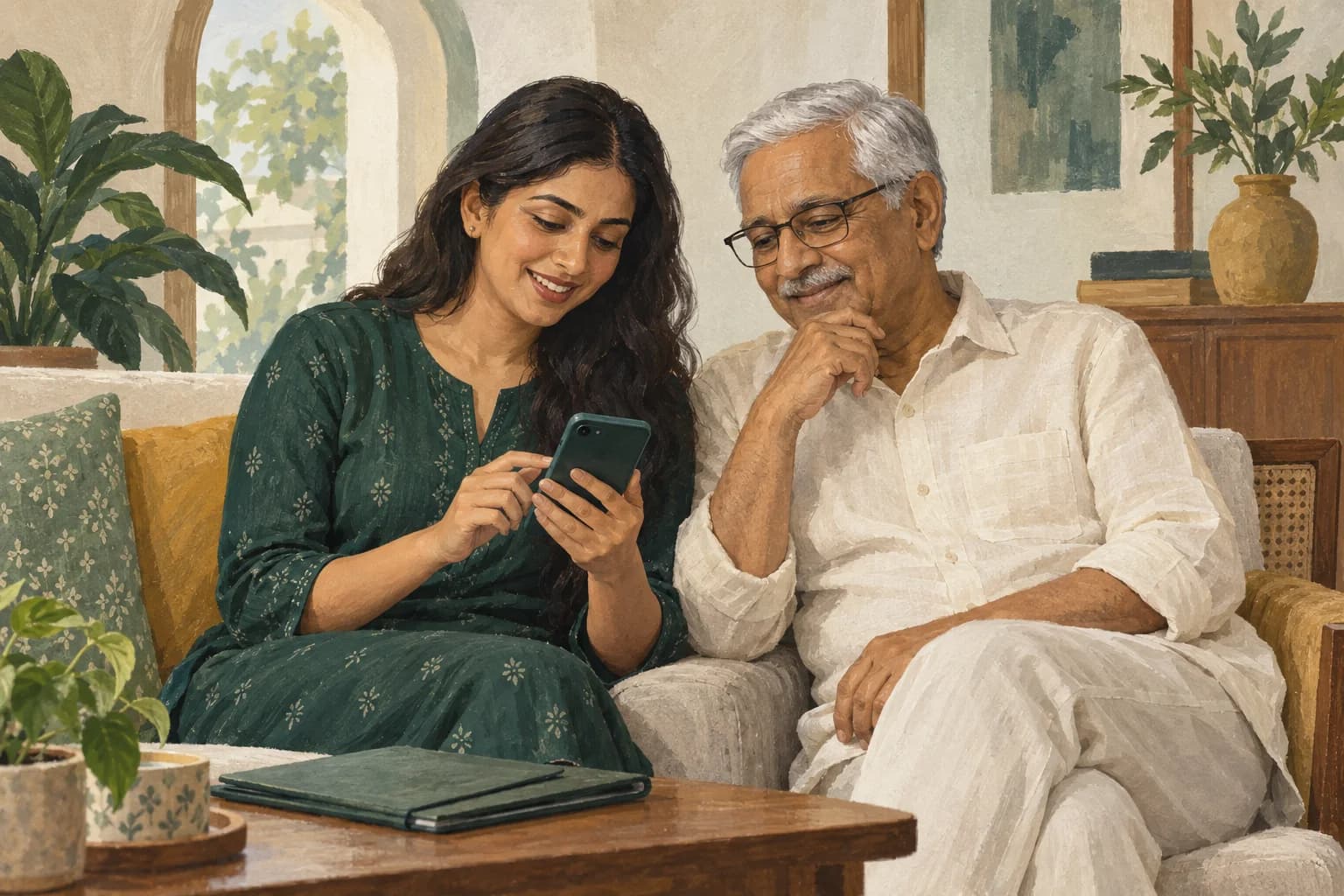
Illustrative scene of a daughter and father planning a clinic visit together
Illustrative family booking scene.
  1. Find a doctor

    Search by city, doctor, clinic or speciality. Open a listed practice to check fees and published availability.

  2. Choose a slot or token session

    Some practices offer appointment slots; others use token queues. The booking page explains the format and any available wait estimate.

  3. Arrive knowing what it costs

    For an in-person visit, pay the clinic directly. Check the fee and payment instructions for your selected consultation before confirming.

For clinic owners

From application to your first clinic day

  1. Apply for a listing. Submit your professional and clinic details, then check your application for review requests. Publication follows verification; applying does not charge you.
  2. Sign in and check setup. Approval and a clinic link are separate steps. Use the email attached to your application and open the clinic activation checklist. Confirm your profile, fees, hours and staff access.
  3. Choose your clinic plan. Compare prices and limits. The clinic owner reviews the recurring charge and payment status in Billing when checkout is available. A free listing or trial does not enable patient bookings; a paid plan and the other setup checks are required.
  4. Rehearse your clinic day. Have each staff member use their own account. Check a booking, an arrival and your collection workflow before inviting patients. Check app availability and pairing instructions; confirm messaging and support activation separately.

An unresolved step? Ask for setup help with your clinic name and application reference. Leave patient records out of the message.

What DocZen does not do

Being clear about the edges of the product matters more to us than sounding bigger than we are.

  • We do not give medical advice. DocZen books appointments, it does not diagnose or treat.
  • We are not for emergencies. In India, call 112 or go to the nearest hospital. Outside India, call your local emergency number.
  • We do not sell your data. Your name, phone number and appointment history are not for sale to anyone.
  • Patient video booking is not available yet. Browse listed practices for in-person appointments.

Questions

Is booking through DocZen free for patients?
Searching and booking on the website is free. Consultation fees are separate and are shown before you confirm.
Do I pay DocZen when I book?
For an in-person appointment, pay the clinic directly. When video consultations are available, the booking page explains any required online payment before you confirm.
How do you know the appointment slot is real?
Available slots and token sessions come from each practice’s published schedule. Availability is checked again when you book.
What is the wait estimate based on?
Where a clinic has given us its own estimate, we show that. Where we have enough completed visits to measure a real median wait, we show that instead. We would rather say we do not know yet than invent a number.
Can I cancel or change a booking?
Open your booking details to see the available cancellation or rescheduling options and any applicable policy. Cancel early so the clinic can offer the time to another patient.
Can I book an appointment for a family member?
Yes. Booking for a parent or a child under your account is the normal case on DocZen, not an exception.

More questions? See the full FAQ.

Ready to find a doctor?

Browse doctors